 Diverie
Features & how to use
From getting started to each feature, and the differences between the free plan and Plus. If you get stuck, see the FAQ.
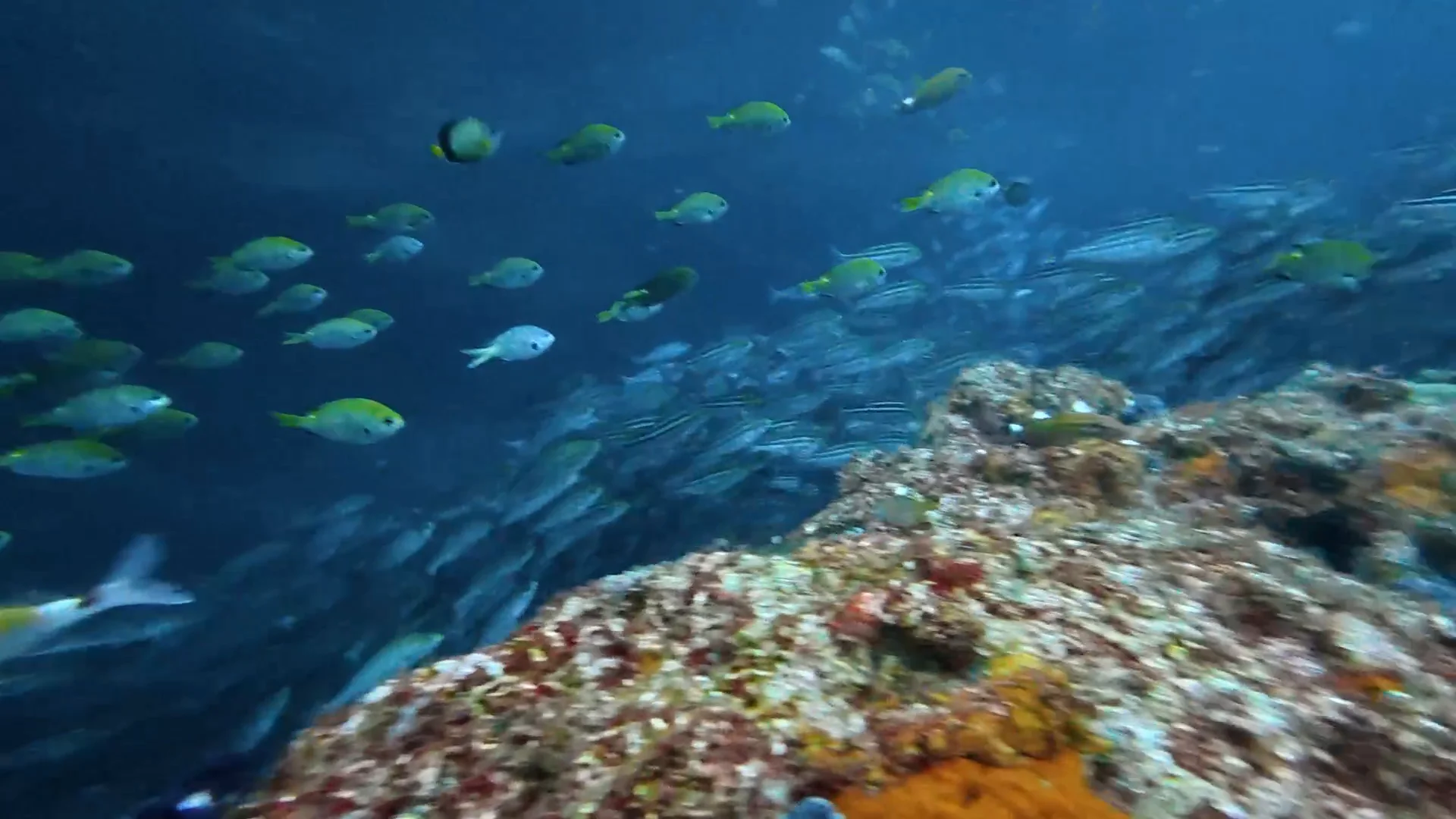
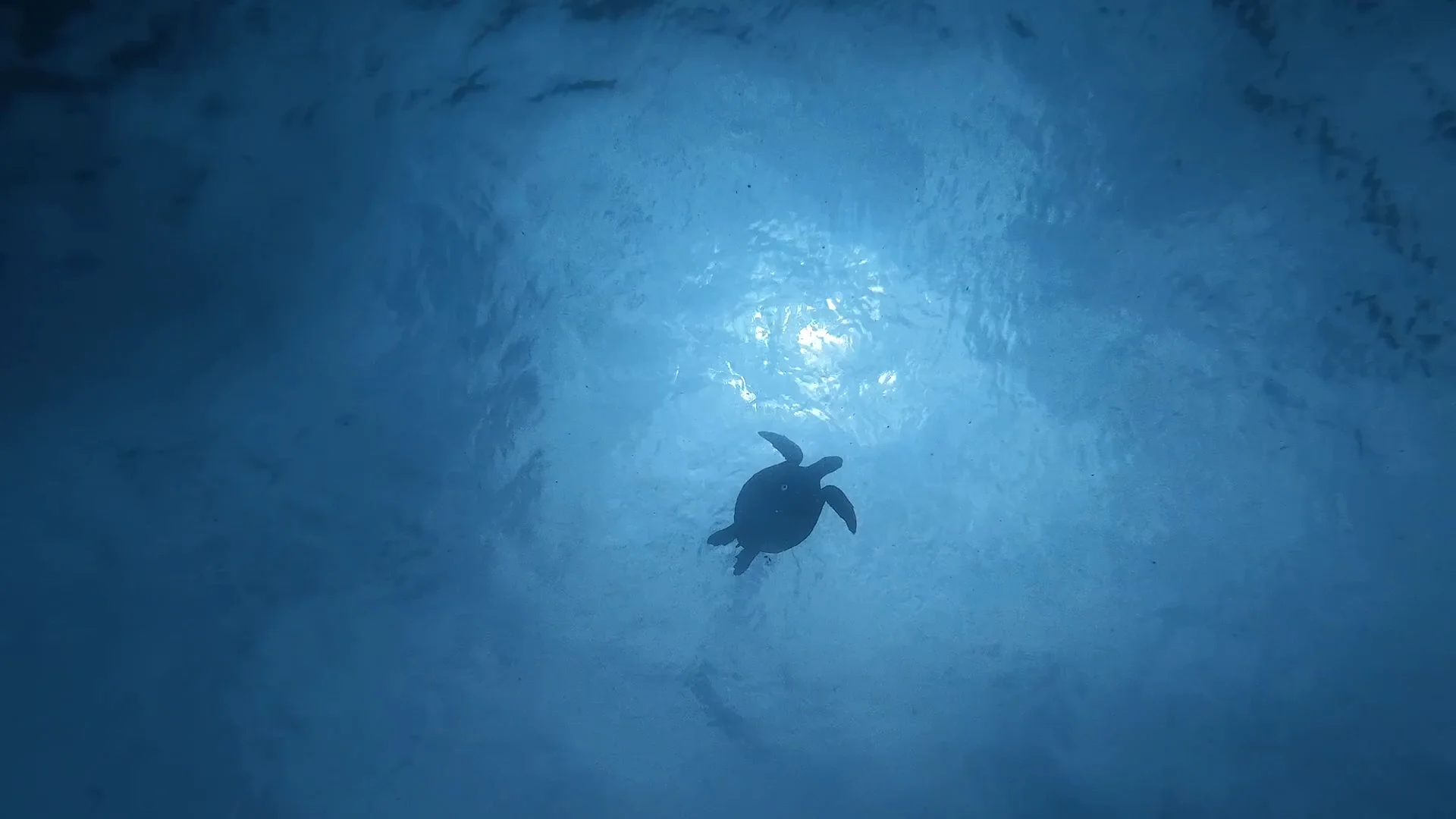
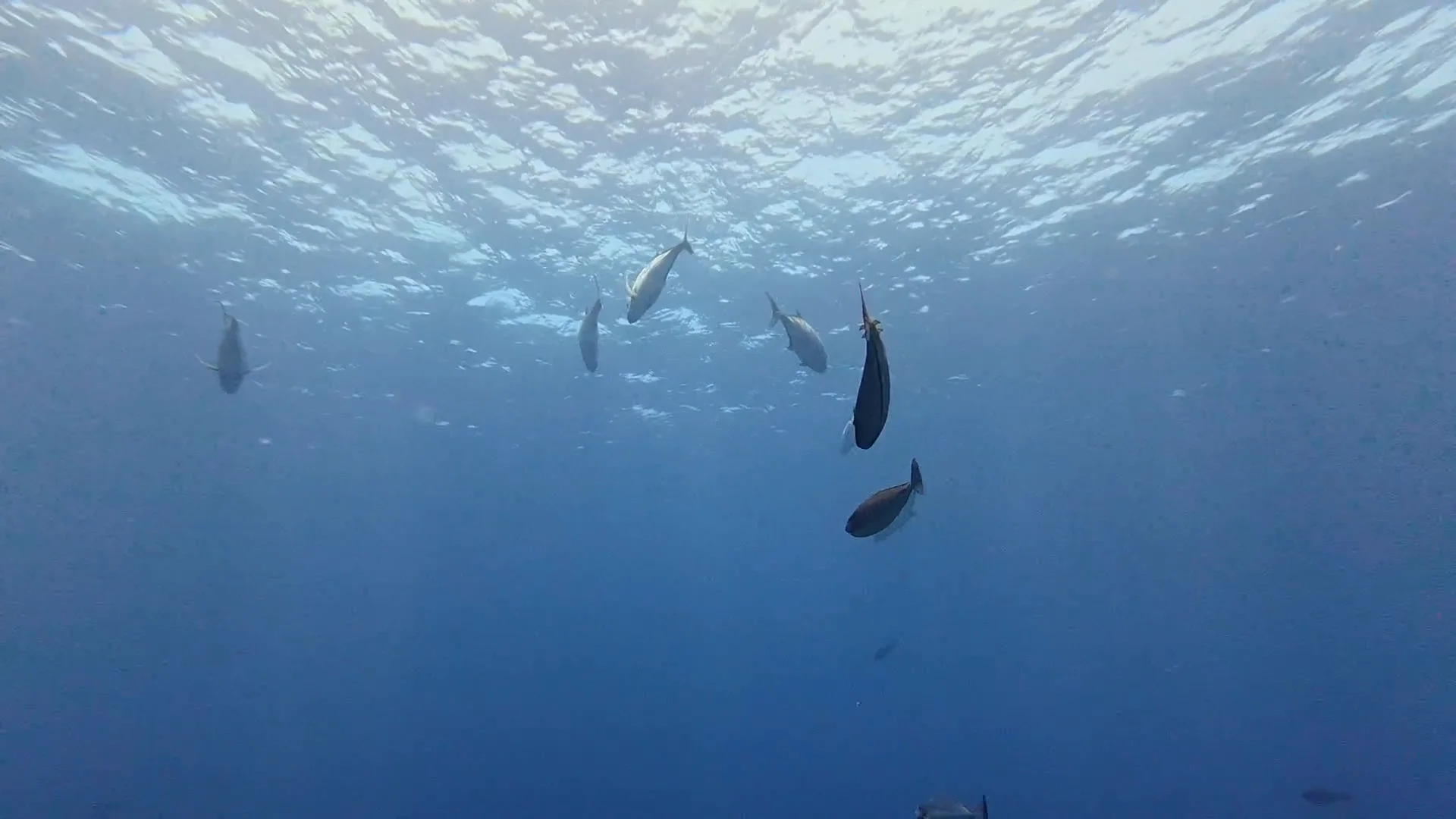
Getting started
- 1Install the app and sign upWith Google or an email address (or Apple on iPhone)
- 2Create a tourPick the date and the dive site
- 3Invite your buddiesWith a QR code or an invite link
- 4Pick your photos and videos all at onceSorted into each dive automatically
You can start on your own, right awayEven without inviting anyone, you can upload photos and videos and log your dives by yourself. Invite your buddies later, and everyone's photos come together in that tour.
GatherEveryone's photos,
Everyone's photos,
in one tour
- Join with a QR code or an invite linkShow the QR code on the boat and people can join on the spot. No need to swap contacts. Any member of the tour can invite others.
- Add people who don't use the app, by nameYou can add someone to the tour members by name only. If they install the app later and join the tour, you can link them.
- Choose who sees each photoChoose from Only me, Tour members, Tour members & umitomo, or Everyone. Who can see them
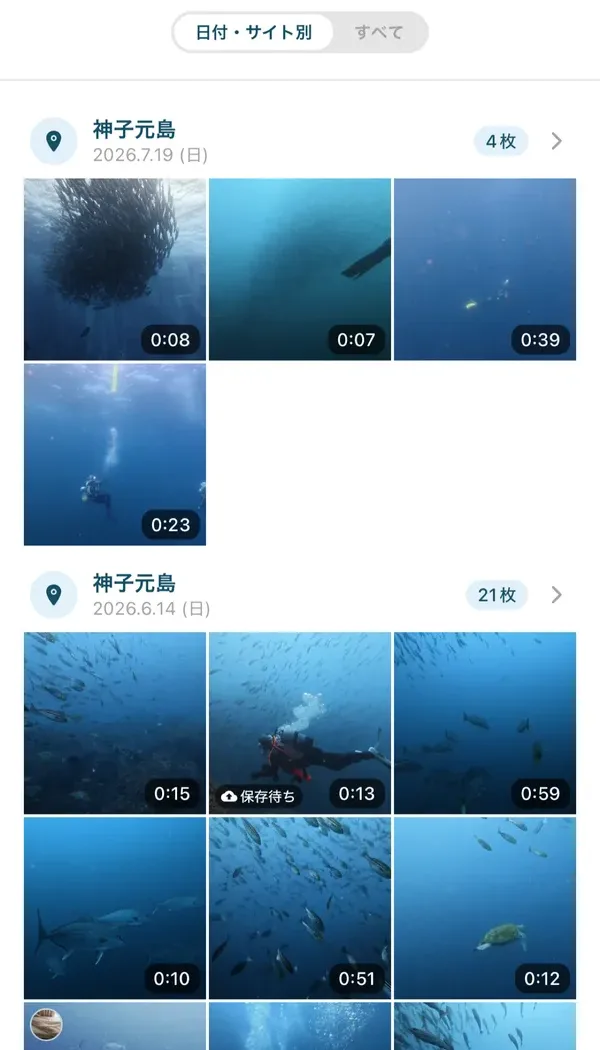
SortBy capture time,
By capture time,
into each dive
- Select them all, and they're sortedSelect your photos and videos all at once, and they are sorted into each dive based on when they were taken. Even hundreds of shots take just a few taps.
- It even suggests how many dives you madeEven if you haven't created the dives yet, Diverie works out how many dives you made from the capture times and creates them for you.
- Photos from the boat are kept, tooPhotos that weren't taken underwater stay in the tour as "Not from a dive".
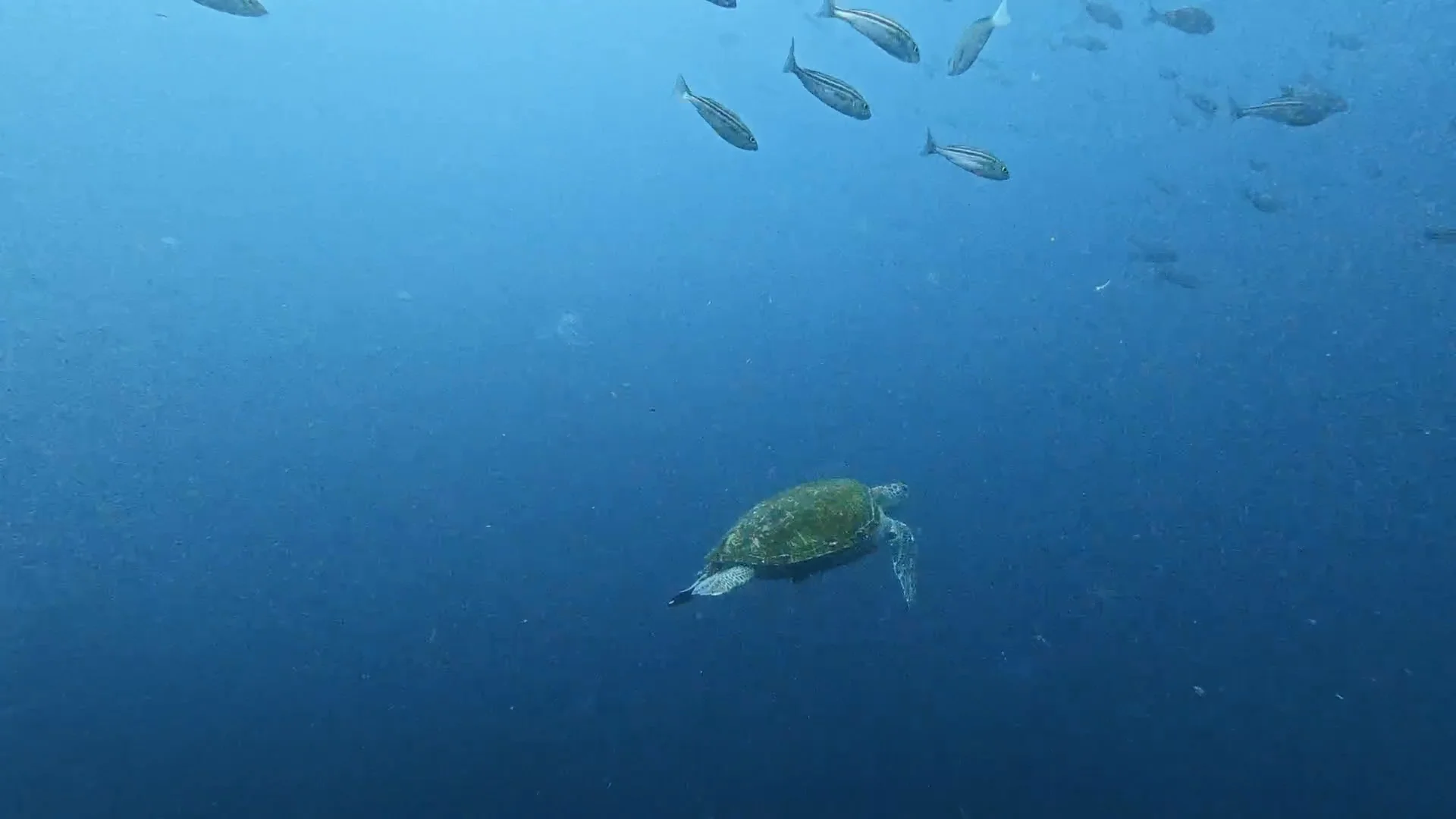
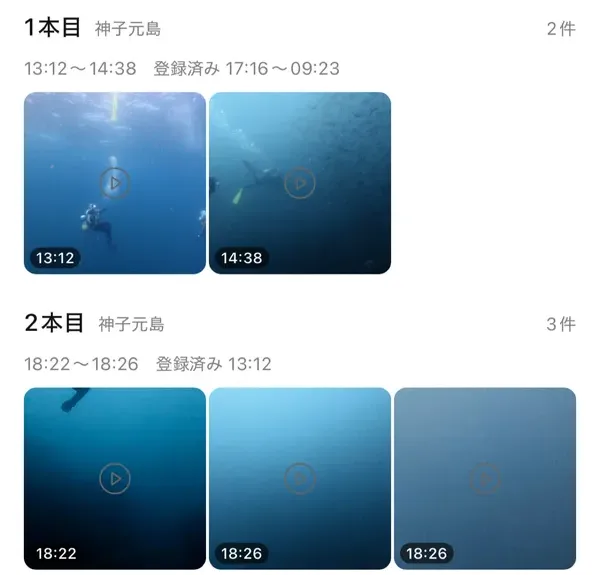
Look backOpen one dive,
Open one dive,
and the whole day is there
- Your log is ready for youFor each dive on a tour, a log is prepared for everyone who took part, and it counts toward your total. Your buddy is filled in from the pairs you dove in. What you write in your log (depth, time, notes and so on) is visible only to you.
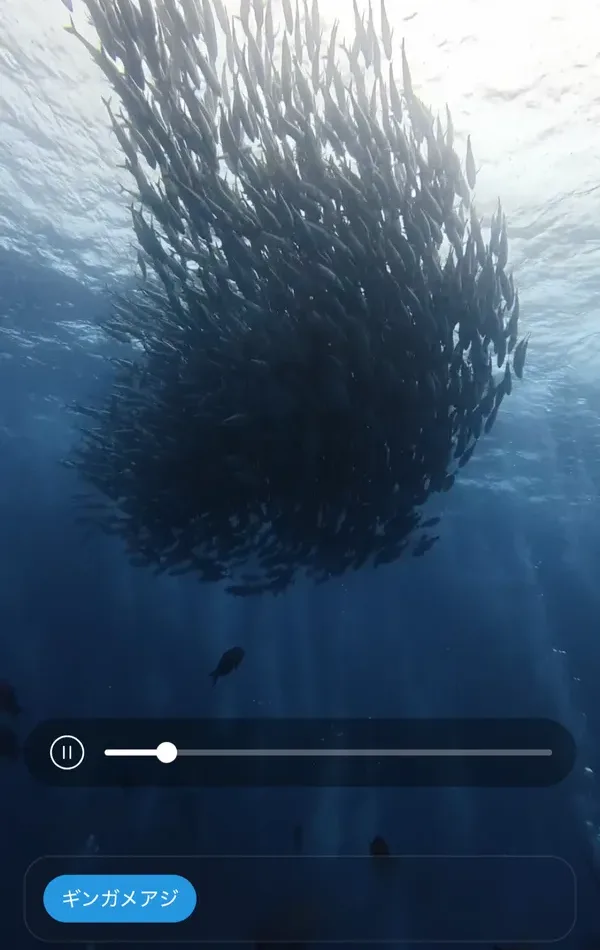
- Suggestions for the marine life in your shotsDiverie finds the fish in your photos and videos and suggests their names. Just tap to keep them. It is a Plus feature, but it is free to use until March 31, 2027.
- Tag your buddies' photos, tooAs a tour member, you can tag marine life and people in your buddies' photos as well, and quickly find the photos you appear in.
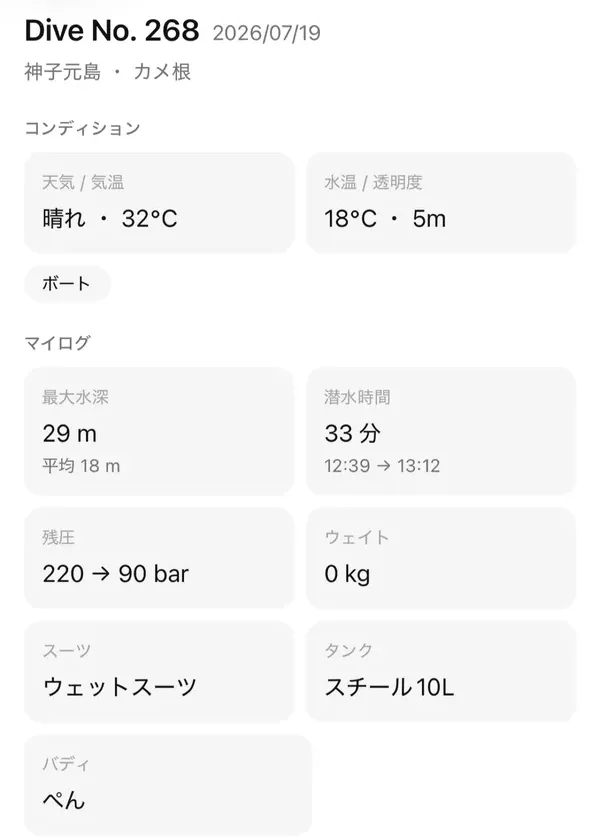
The more you dive, the more it grows
- Dive LogYour total dive count and all your logs. Filter by period, place, buddy, marine life, max depth, water temperature or visibility.
- Tour mapThe places you have dived line up on a map. Tap a pin to go back to that day's tour.
- Marine life guideFor each species you have met, how many times you have seen it and when you first saw it. You can also mark the ones you want to see.
Before you diveOcean conditions and tides,
Ocean conditions and tides,
for each dive site
See the weather, wind, waves, swell and tides for each dive site. Today and tomorrow are free, and with Plus you can see up to 14 days ahead (waves and swell up to 8 days ahead).
Free plan vs. Plus
Creating tours, gathering everyone's photos and videos, logs, the marine life guide, and ocean conditions for today and tomorrow are all available on the free plan. For those who want to keep more, there is Plus.
| Feature | Free plan | Plus |
|---|---|---|
| Storage | 5 GB (about 1 hour of 1080p video) | 50 GB (about 10 hours) |
| Photo quality | Resized to 2,048 pixels on the long side | Original quality |
| Video | 1080p, up to 60 seconds each, 10 per tour | 1080p, no limits on length or number |
| Originals of 4K and other videos | — | Can be kept |
| Suggestions for marine life in your shots | Available until March 31, 2027 | Available |
| Ocean condition forecasts | Today and tomorrow | Up to 14 days ahead* |
| Diverie logo on what you share | Included | Can be removed |
| Offline saves | — | Available |
* Wave and swell forecasts go up to 8 days ahead. Beyond that, we show the weather, wind and tides.
Prices are the amounts shown on the App Store and Google Play, with monthly and yearly options. If you get stuck, see the FAQ.